Explore the full geometry
See planets, houses, aspects, degrees, and an interactive wheel computed from your saved birth details.
Software
A private birth chart studio that teaches the symbols, shows the geometry, and turns current patterns into grounded reflection.
Lifestyle · iPhone · Coming soon
Build a precise chart, learn what every placement means, and receive personal daily and weekly guidance based on the changing sky. The calculations and interpretations happen on your iPhone.
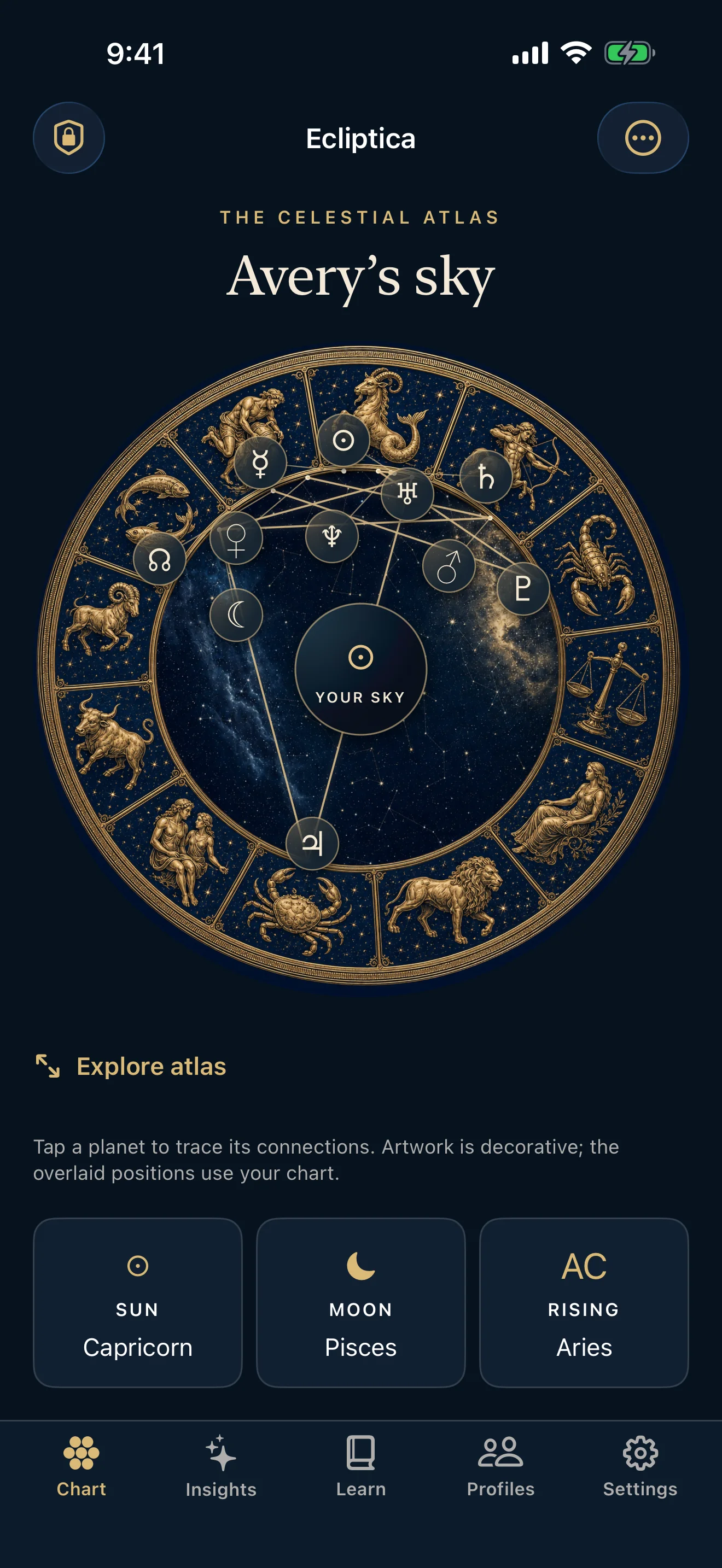
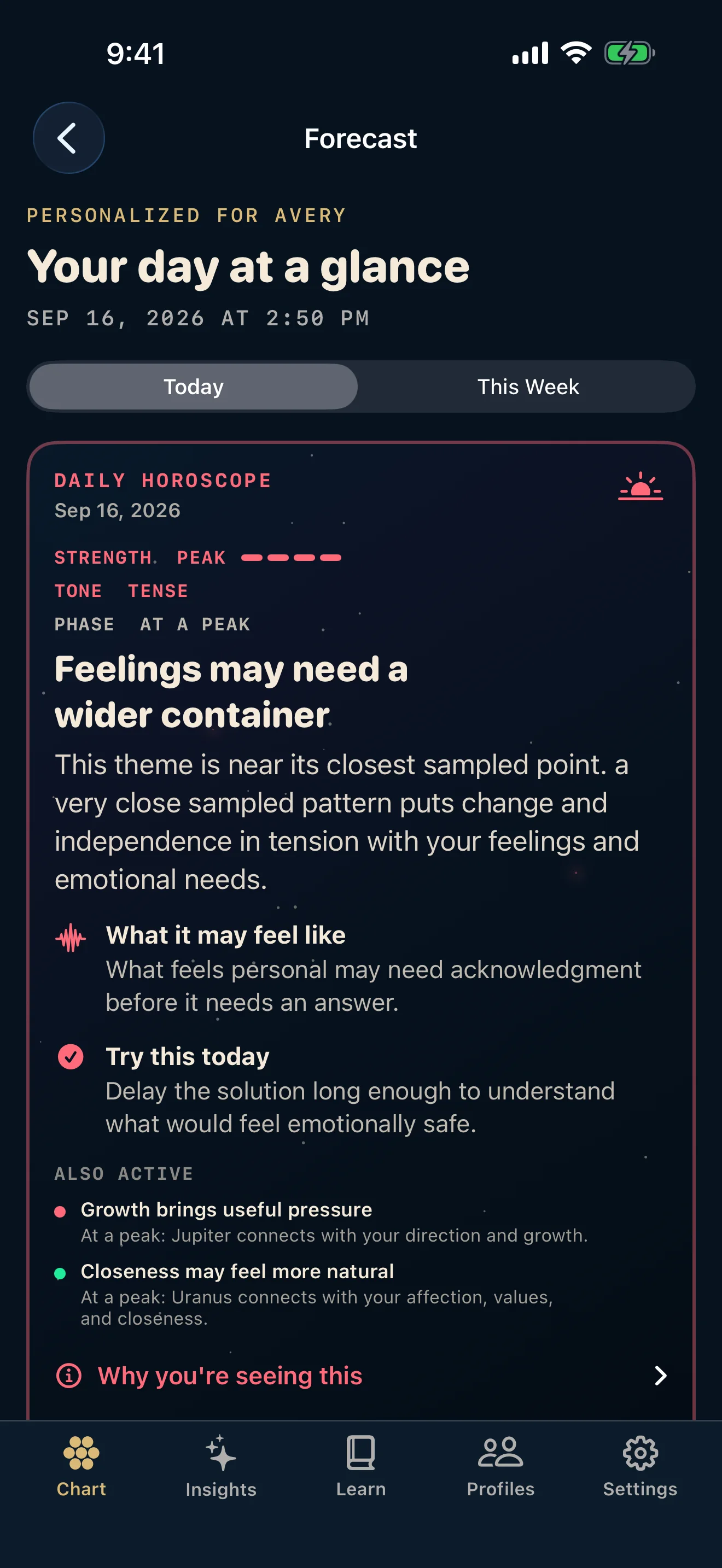
Chart · learn · reflect
See planets, houses, aspects, degrees, and an interactive wheel computed from your saved birth details.
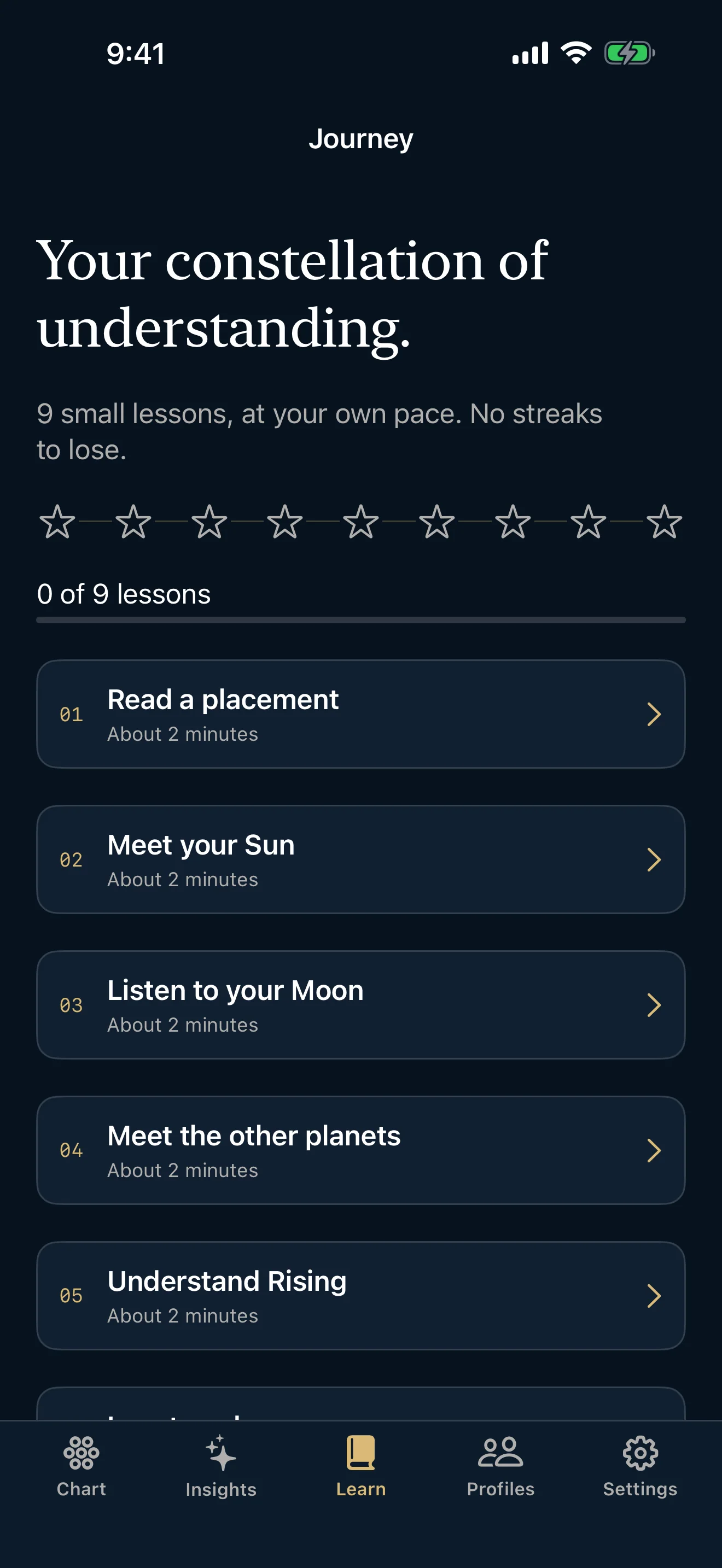
Follow concise lessons on signs, planets, houses, aspects, and the way those pieces combine in a chart.
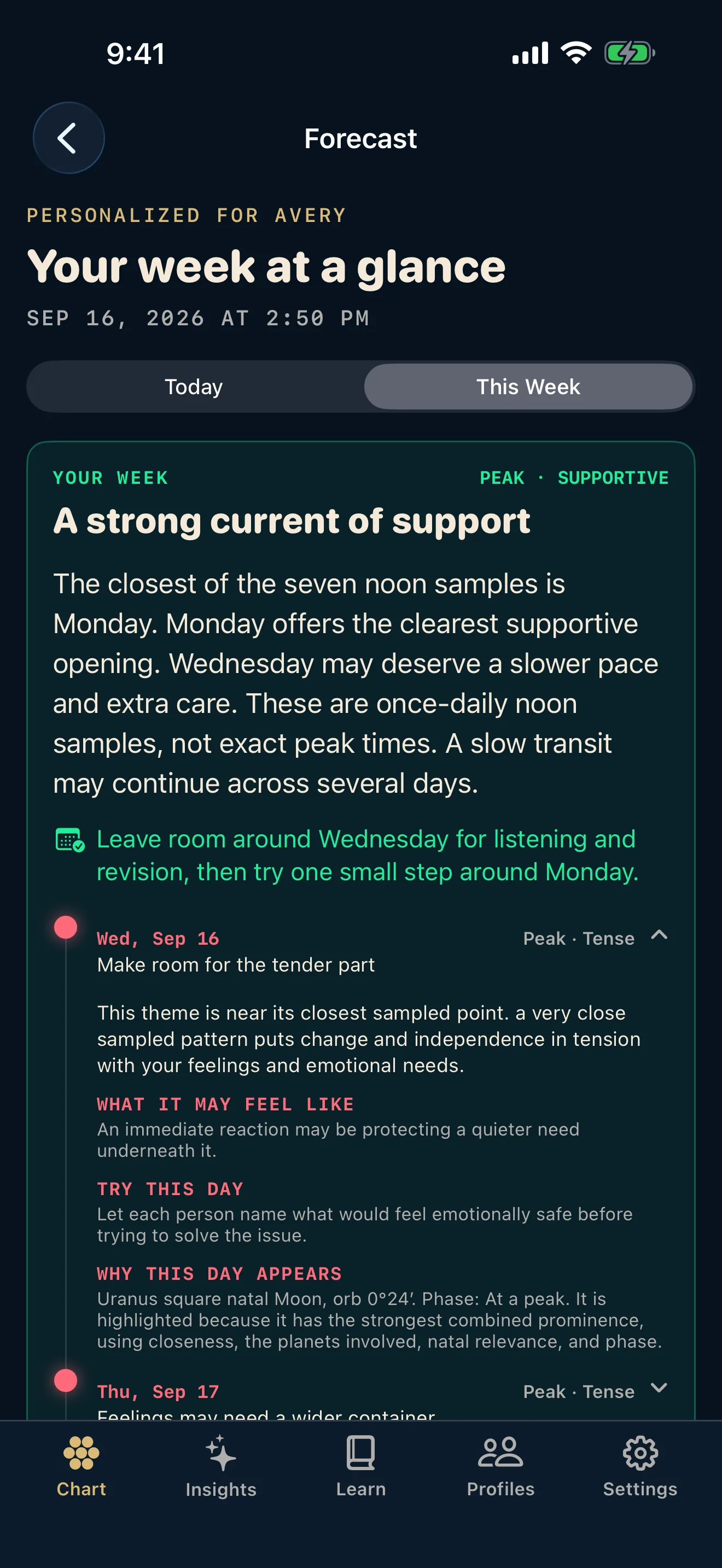
Turn active transits into personal, practical reflections without claiming certainty about future events.
Start free · unlock once
Create one complete birth chart, explore its placements, and use the learning library for free. Core is a single purchase that unlocks the current premium experience.
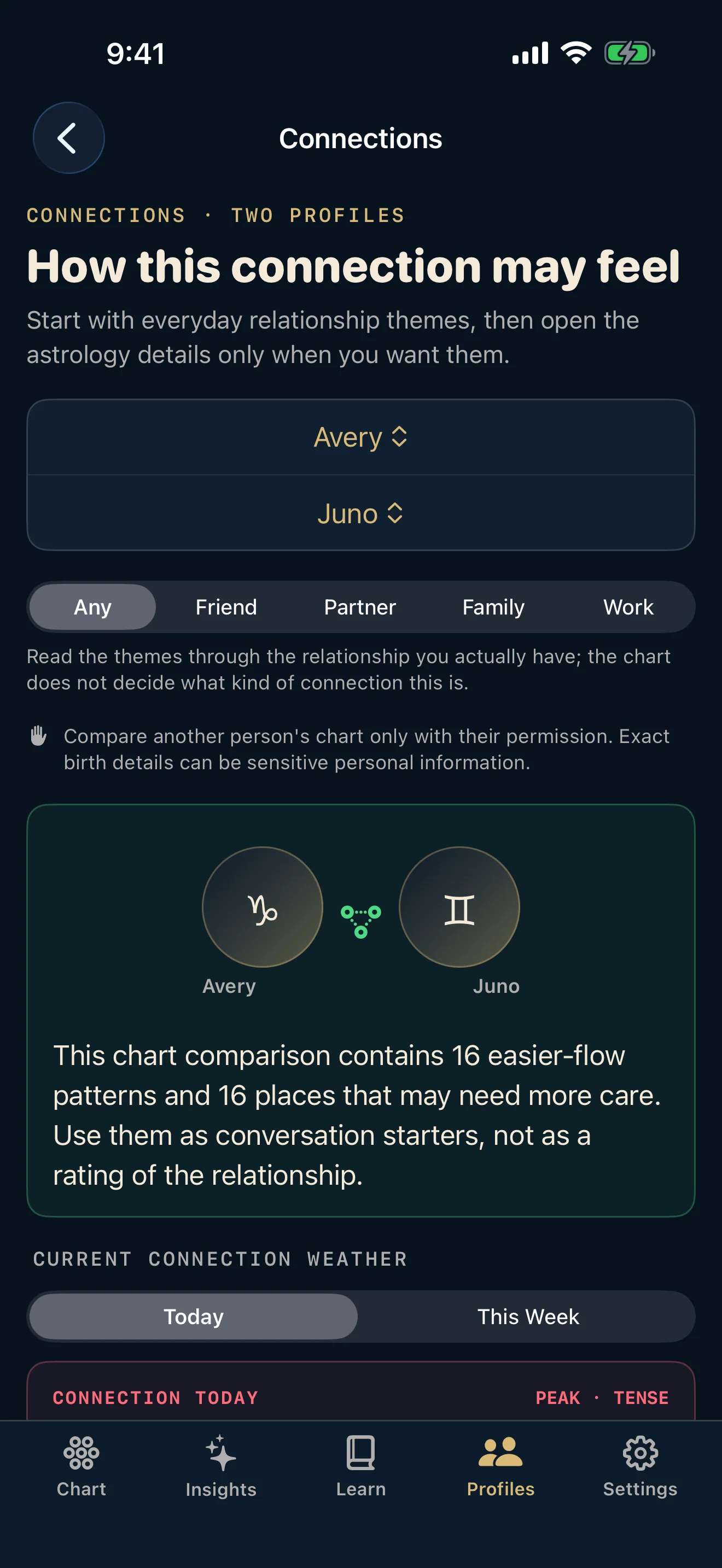
Unlock unlimited saved profiles, daily and weekly personal forecasts, Connections, and connection forecasts.
One-time purchase · No subscription · No account
Inside Ecliptica
Real screens from the first release show the complete experience, from the birth chart to a connection between two people.
Privacy by design
Ecliptica has no account, advertising SDK, analytics SDK, or SEM cloud service. Profiles, journal entries, lessons, and reading history stay on your iPhone. Optional profile backups are encrypted with your passphrase before they leave the app.
Questions people ask
Ecliptica builds natal charts, calculates current transits against saved profiles, and compares two saved charts through their inter-chart aspects.
No for normal chart use. The ephemeris, birthplace catalog, chart calculations, forecasts, learning content, and Connections experience are available on the device. Apple may require a connection to complete or restore the optional purchase.
The free experience includes one complete birth chart and the learning library. The $9.99 Core Unlock adds unlimited saved profiles, daily and weekly personal forecasts, Connections, and connection forecasts.
No. Ecliptica uses current chart geometry to offer reflective themes and practical prompts. It does not claim certainty about events or outcomes.
You can mark the birth time as unknown. Ecliptica will clearly limit time-sensitive features such as houses and angles rather than presenting uncertain results as exact.
You choose a passphrase when exporting profile data. The backup is encrypted before it leaves the app and requires the same passphrase to restore. Journal entries, lesson progress, and reading history are not included.
Ecliptica for iPhone · Coming soon