Send Wake-on-LAN
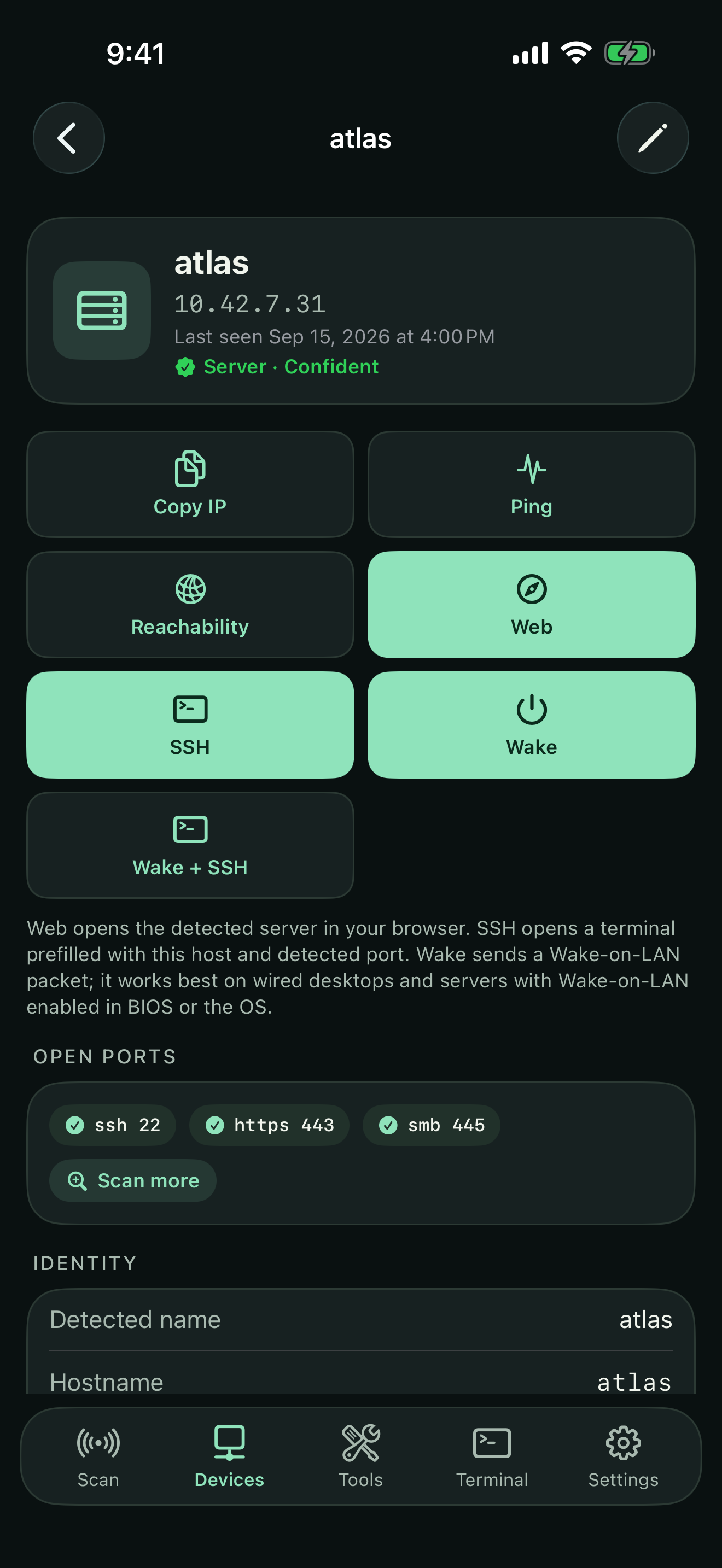
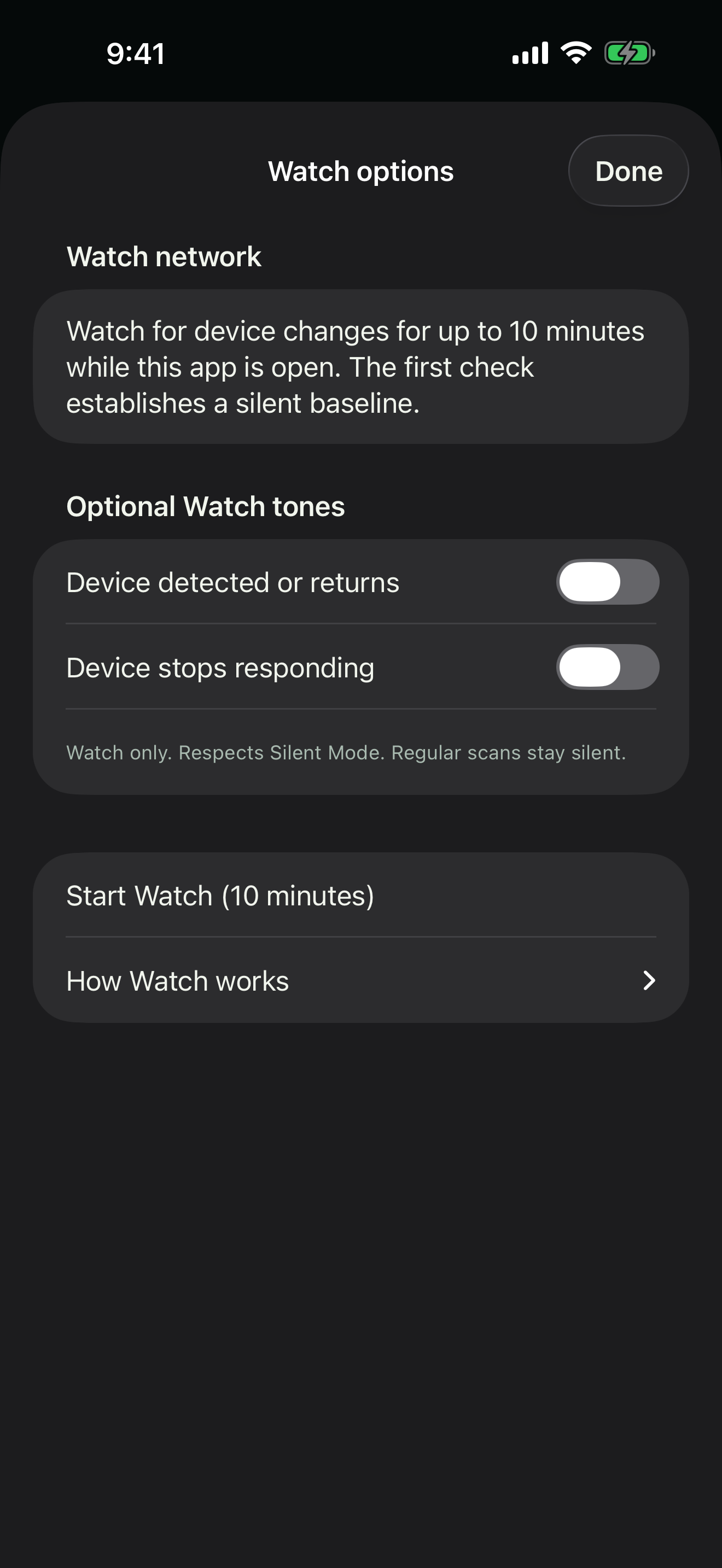
Send a magic packet to a saved desktop, server, or other compatible wired device. Delivery does not prove that the host woke.
Software
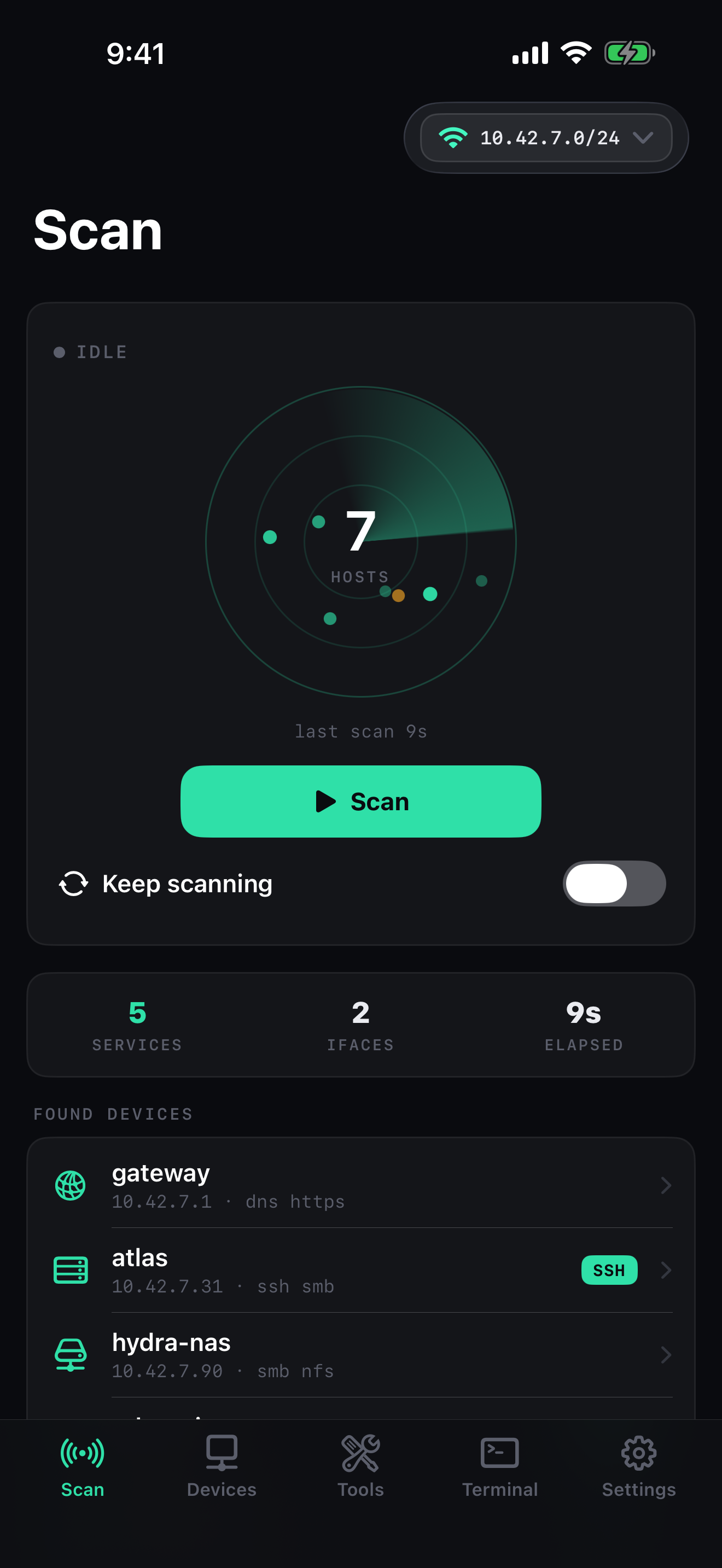
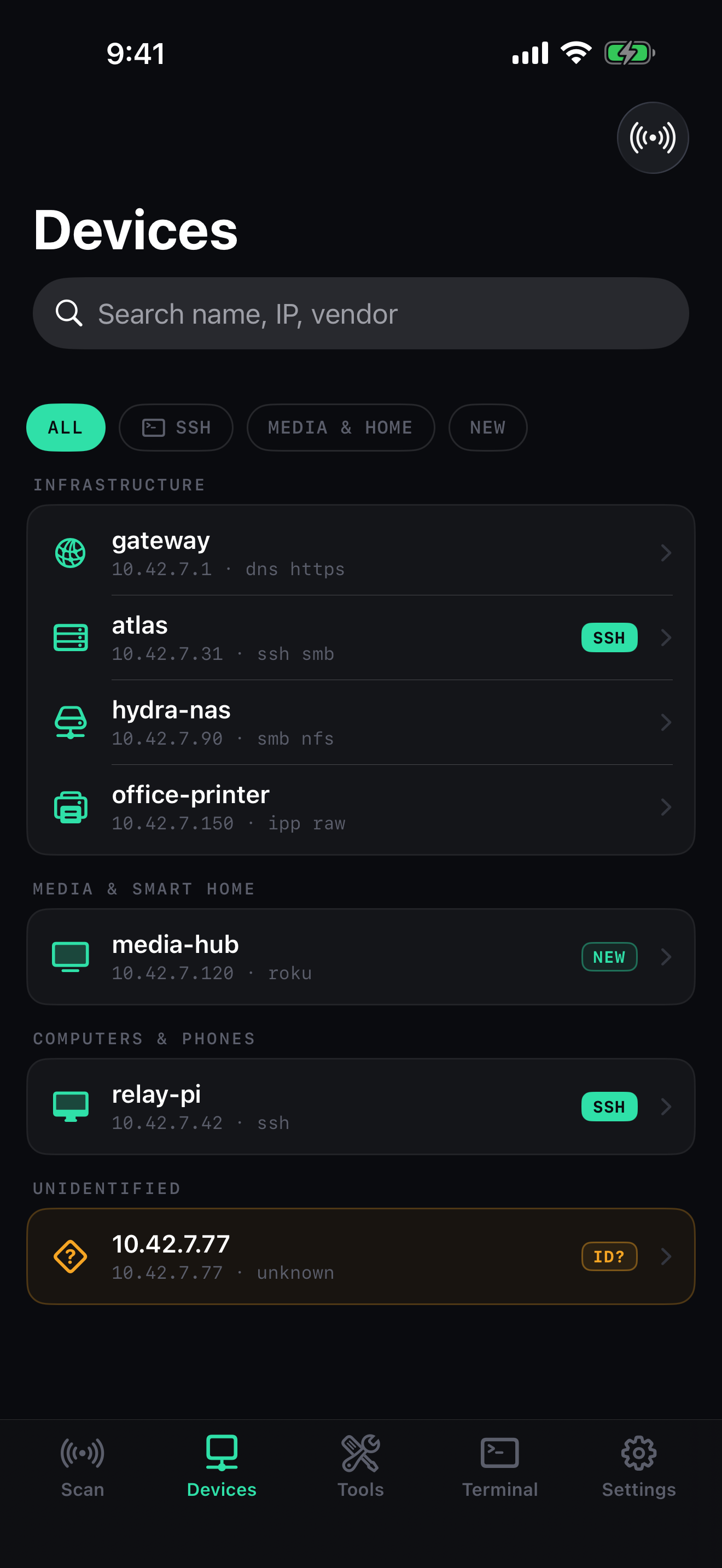
Scan, monitor, and securely reach the systems you manage from your iPhone or iPad.
Network Scan 1.2 preview · iPhone and iPad
Network scanning and Wake-on-LAN packet sending are free. Pro adds SSH, a combined Wake + SSH status flow, and host sleep requests.

One app for scan, Wake, and SSH
Send a magic packet to a saved desktop, server, or other compatible wired device. Delivery does not prove that the host woke.
Send the Wake packet and let Network Scan check for the configured SSH service in the same flow. A port response confirms reachability, not how the host woke.
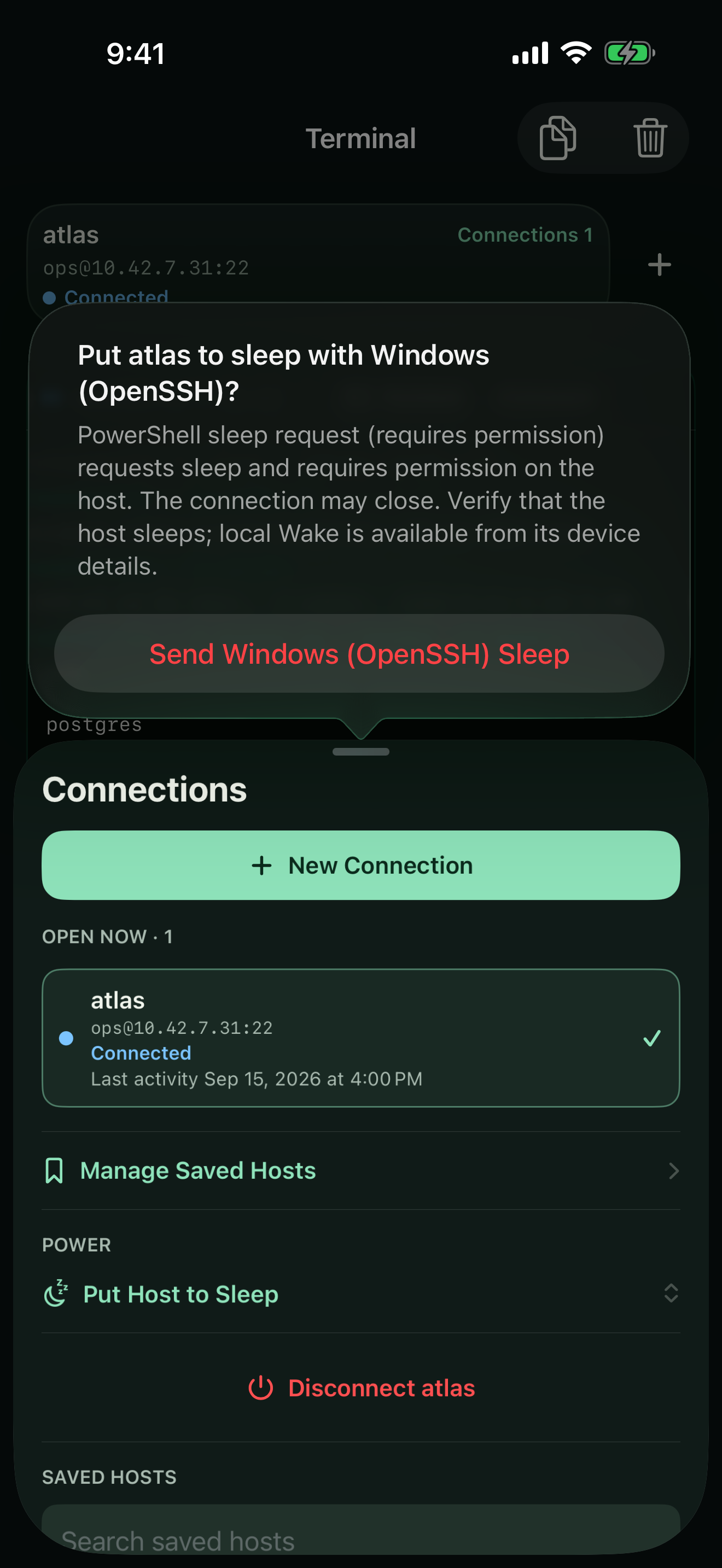
Choose and confirm a sleep command for Linux, macOS, or Windows, then send it through SSH. A sent command does not prove that the host slept.
Scan and Wake are free · SSH is Pro
Network scanning, essential diagnostics, and Wake-on-LAN packet sending stay free. Version 1.2 presents yearly and lifetime Pro choices for SSH and advanced management tools.
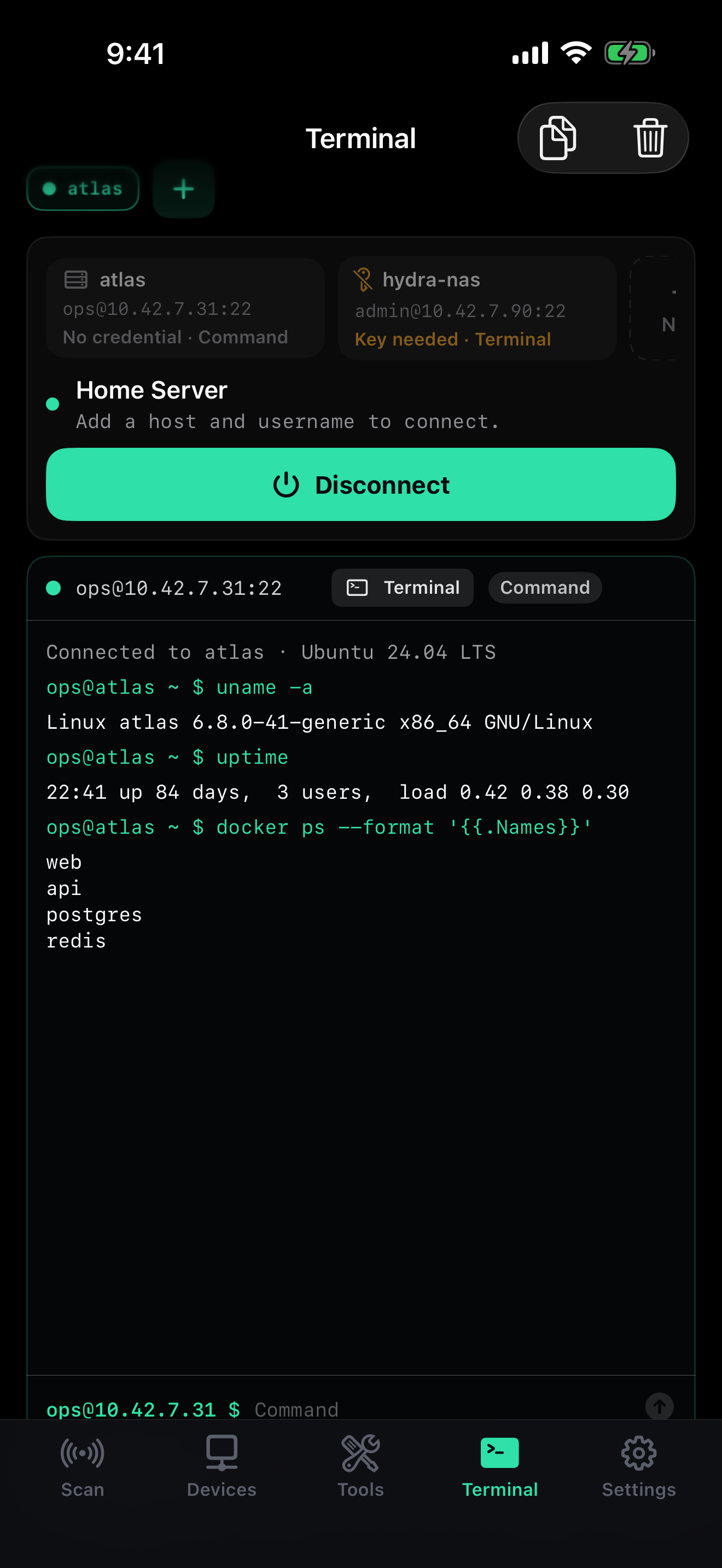
Pro includes the full-screen SSH terminal, Wake + SSH status flow, sleep commands, custom device names, larger port scans, CSV export, and full scan history.
7-day free trial for eligible new yearly subscribers · $49.99 lifetime · US storefront pricing
New in version 1.2
The Lumen design keeps the scan, device inventory, and terminal focused. iPhone uses a slide-up Connections drawer, while iPad keeps a persistent Connections sidebar beside the terminal.
Privacy by design
Network Scan has no account, advertising SDK, analytics SDK, or SEM cloud service. Scan history and saved connections stay on your device. Passwords and private keys are stored in Keychain only when you choose to save them.
Questions people ask
Connect your iPhone or iPad to the network, allow Local Network access, and start a scan. Network Scan shows responding devices, likely device types, services, and open ports.
Some devices advertise very little information or use generic hostnames. Open the device details to inspect services and ports, then assign a custom name if you recognize it.
No. iOS limits access to arbitrary MAC addresses. Network Scan reports only information the platform can obtain honestly and reliably.
Only devices running an SSH server for which you have valid credentials. Network Scan is intended for systems you own or administer.
Save a compatible machine with its hardware address, then tap Wake to send a magic packet on the local network. Wake-on-LAN works best with wired desktops and servers that have it enabled in firmware and the operating system. Sending the packet does not confirm that the computer woke.
Pro includes SSH, the Wake + SSH status flow, sleep commands over SSH, custom device names, larger port scans, CSV export, and full scan history. Version 1.2 presents yearly and lifetime choices. Apple confirms current pricing and trial eligibility before purchase.
On the iPhone in iOS Keychain. They are used only for connections you initiate and can be forgotten from the app at any time.
Email hello@superextramega.com for help, feedback, or App Store purchase questions.